Double-click an empty space in the Block Editor window. The Symbol dialog box appears automatically.
In the Libraries list, click the + icon to expand the Project list.
In the Project list, select the arm_processor symbol. A preview of the newly created arm_processor megafunction appears in the Symbol dialog box.

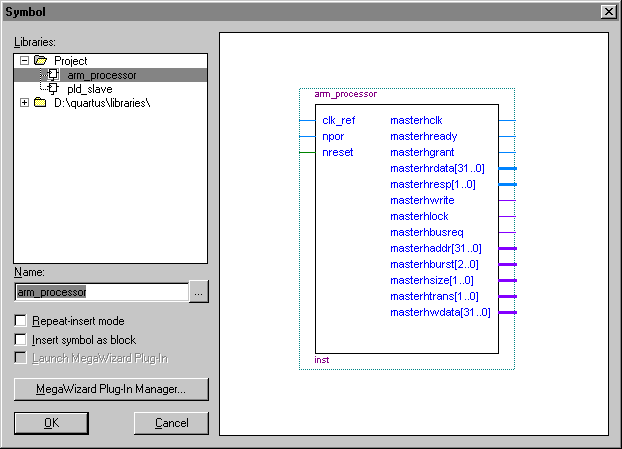
Click OK to instantiate the arm_processor symbol in the BDF. An outline of the arm_processor symbol is attached to the pointer.
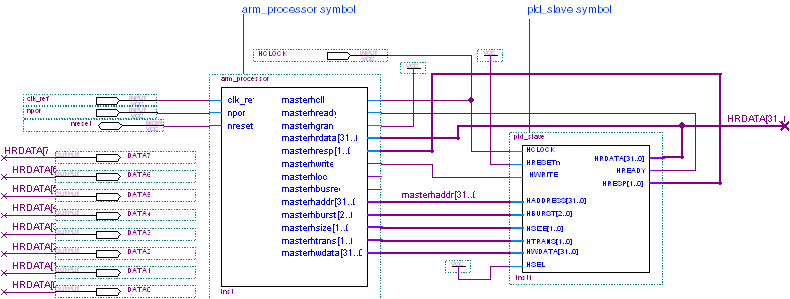
To place the symbol, click to the right of the clk_ref and npor INPUT pins in the Block Editor window. The arm_processor symbol is instantiated in the BDF as shown in the following illustration.

 |
For simplicity, ports are arranged on the arm_processor symbol according to their stripe function. |